· Jakub · AWS · 4 min read
How I cut a client's AWS bill by 33% in a single audit
A practical walkthrough of every finding — idle EC2, oversized RDS, duplicate load balancers, and more — and exactly how we fixed each one.
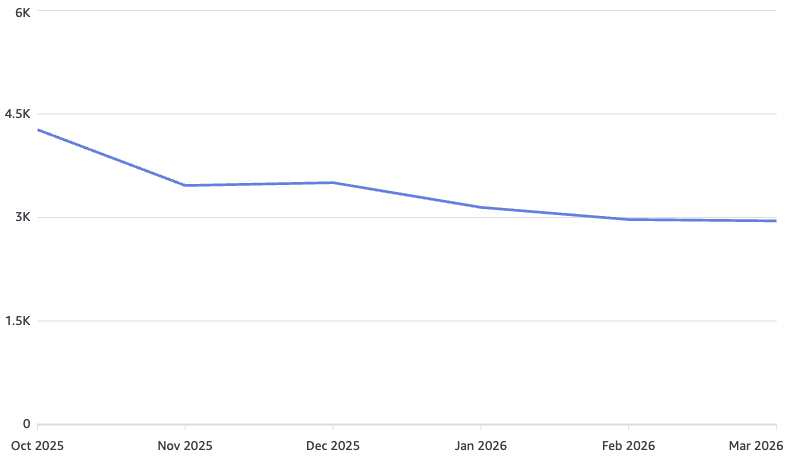
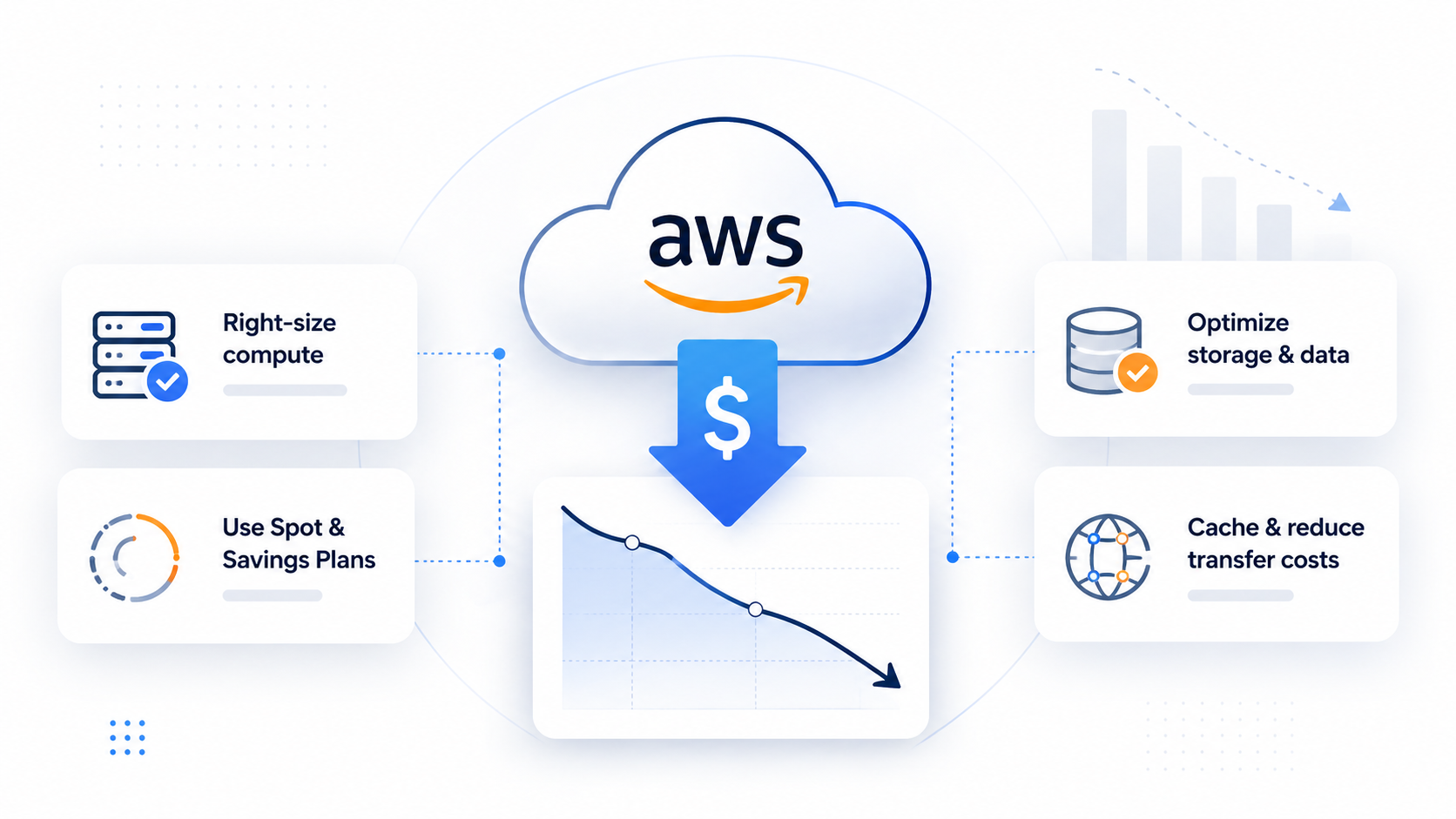
A few weeks ago I ran a full infrastructure audit for a client who suspected they were paying too much for AWS — but had no clear picture of where the money was going. The result: $1,500 per month in recurring savings, with zero impact on performance or reliability.
Here’s every finding and every fix. If your cloud bill has been creeping up without an obvious reason, chances are you’re sitting on at least one of these.
The numbers
| Monthly cost | |
|---|---|
| Before audit | $4,500 |
| After audit | $3,000 |
| Annual saving | $18,000 |
1. Idle EC2 instances across multiple regions
The first thing I check in any audit is EC2 utilization. AWS Cost Explorer’s resource breakdown told a familiar story: several instances running at under 5% CPU for weeks, spread across eu-west-1, us-east-1, and ap-southeast-1. Multi-region sprawl makes this easy to miss on a dashboard glance.
Fix applied: Terminated confirmed-idle instances. Tagged remaining instances with owner and environment labels. Set up AWS Cost Anomaly Detection alerts per region so this doesn’t silently recur.
2. EKS cluster running a paid extended support version
The cluster was pinned to a Kubernetes version that had passed its standard support window. AWS charges a per-vCPU/hour premium for extended support — it adds up fast on a busy cluster.
Fix applied: Planned and executed an in-place upgrade to the current standard-support version. This alone removed a persistent line item from the bill without touching any workloads.
3. EC2 workloads migrated to EKS Spot
Several stateless services were running on On-Demand EC2 instances outside the cluster. Migrating them to containerized workloads on EKS with Spot instance node groups brought per-compute costs down significantly. Spot pricing on the right instance families often runs 60–70% below On-Demand for interrupt-tolerant workloads.
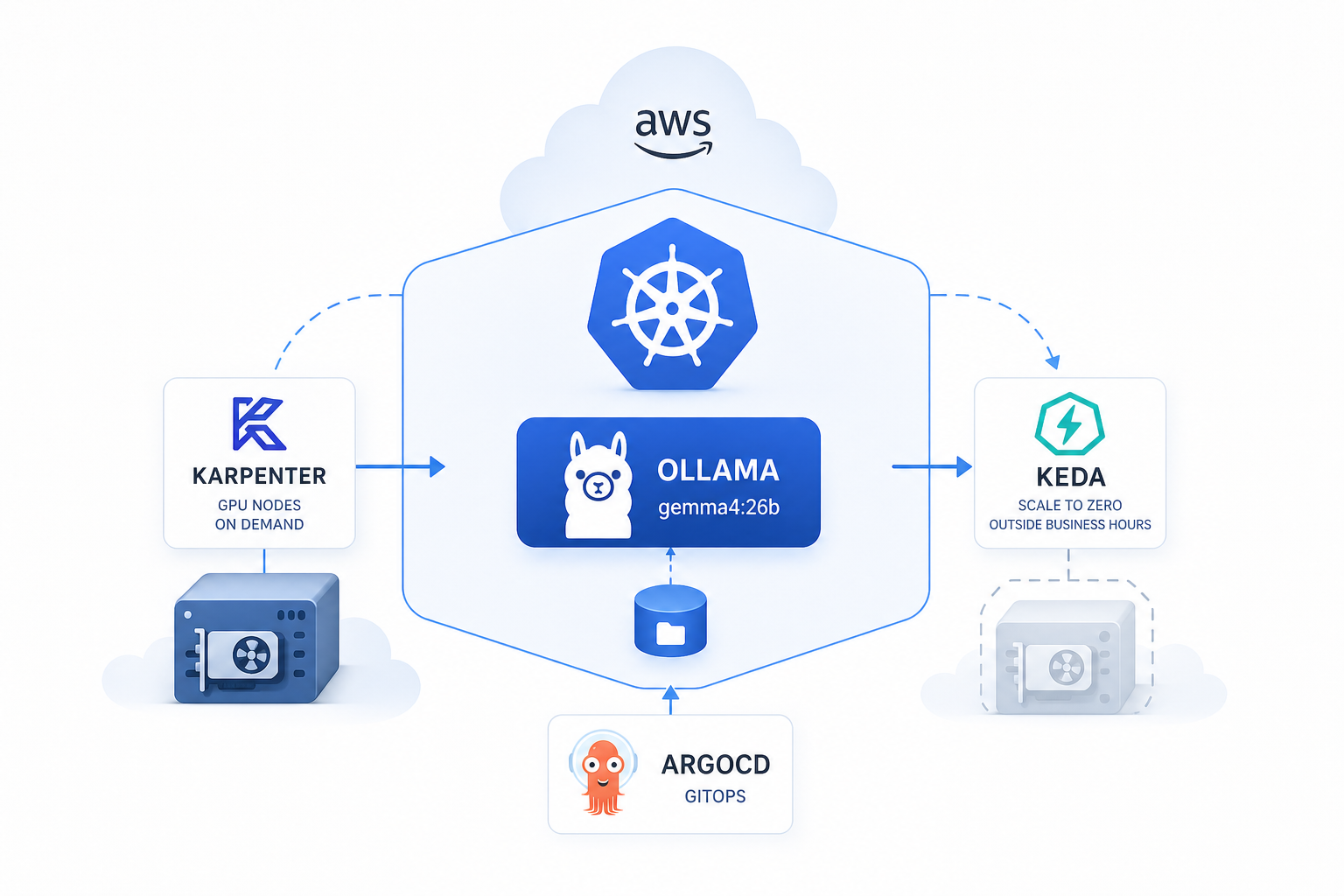
Fix applied: Containerized the services, defined appropriate pod disruption budgets, and configured Karpenter to provision Spot nodes. Fallback to On-Demand is automatic if capacity is unavailable.
4. RDS PostgreSQL on extended support
Same pattern as EKS — the RDS instance was on a PostgreSQL major version past its standard AWS support window, incurring an extended support surcharge on every instance-hour.
Fix applied: Upgraded the engine version during a maintenance window after validating application compatibility. Straightforward change, immediate cost impact.
5. RDS storage: provisioned IOPS → gp3
The RDS instance was using io1 provisioned IOPS storage at a level that the actual workload never justified. Checking CloudWatch’s ReadIOPS and WriteIOPS metrics confirmed it: peak usage was well within what gp3 delivers by default.
Fix applied: Migrated to gp3 storage. With gp3, 3,000 IOPS and 125 MB/s throughput are included in the base price — no separate provisioning charge. For most production databases, this is more than sufficient.
6. Multiple ALBs consolidated into one
The account had several Application Load Balancers provisioned incrementally, one per service. ALBs have a fixed hourly charge plus an LCU charge. Consolidating to a single ALB with path-based and host-based routing rules eliminated the redundant fixed costs.
Fix applied: Defined listener rules on a single ALB to route traffic to the correct target groups. Decommissioned the redundant balancers. The routing logic is cleaner and the bill is lower.
The pattern behind all of this
None of these findings required architectural heroics. Every item was a case of provisioning that had drifted past its original justification — version pins that weren’t reviewed, resources spun up for testing that were never cleaned up, storage tiers chosen conservatively and never revisited. A structured audit surfaces all of it.
If you’re running a non-trivial AWS footprint and haven’t done a cost audit in the last six months, you’re almost certainly paying for something you don’t need.
Want Me to Do This for Your AWS Account?
If you’re running a non-trivial AWS footprint and haven’t done a cost audit recently — there’s a good chance you’re paying for something you don’t need. That’s exactly what I find and fix at jakops.cloud.
A typical audit covers:
- EC2 and RDS sizing, idle resources, and version support costs
- EKS cluster configuration and Spot optimization opportunities
- Load balancer consolidation and networking inefficiencies
- Storage tier mismatches (gp2 vs gp3, io1 waste, S3 lifecycle gaps)
- Reserved Instance and Savings Plans coverage gaps
📩 Book a free 30-minute infrastructure audit — I’ll review your current setup, identify the biggest cost drivers, and tell you exactly what to cut.
No fluff. Just actionable findings from someone who does this in production.
jakops.cloud — AWS & Kubernetes DevOps services